
Put Reloop on your home screen
Add Reloop to your home screen for quicker access.
1
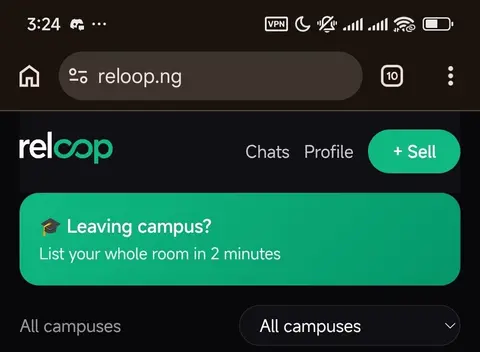
Tap the three dots
Top right of Chrome, on reloop.ng.
2
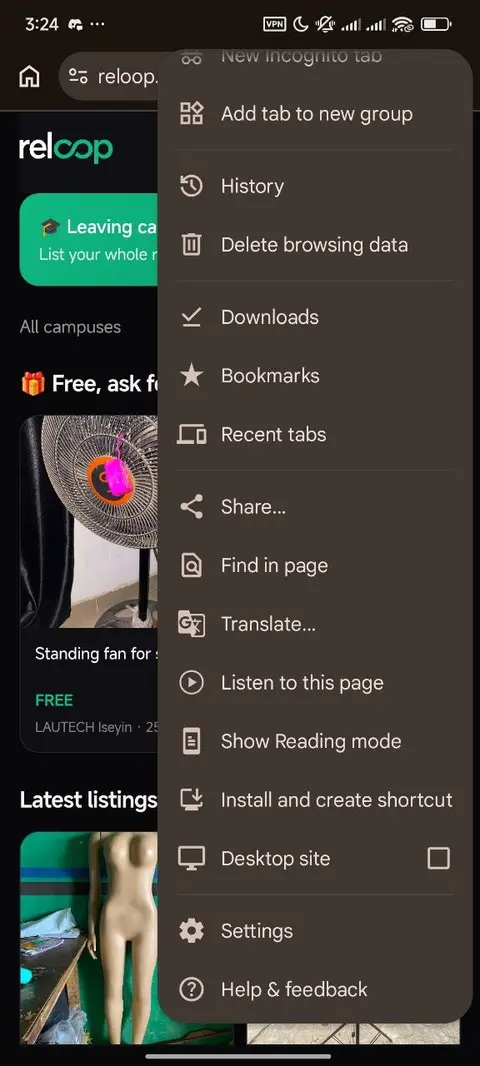
Choose "Install app" or "Add to home screen"
Scroll down the menu a little.
3
Tap Install when Chrome asks
Confirm the installation if prompted.
4
Find Reloop on your home screen
The green icon. Tap it to open.